Choosing an AAC system: pictures, symbols, and voice
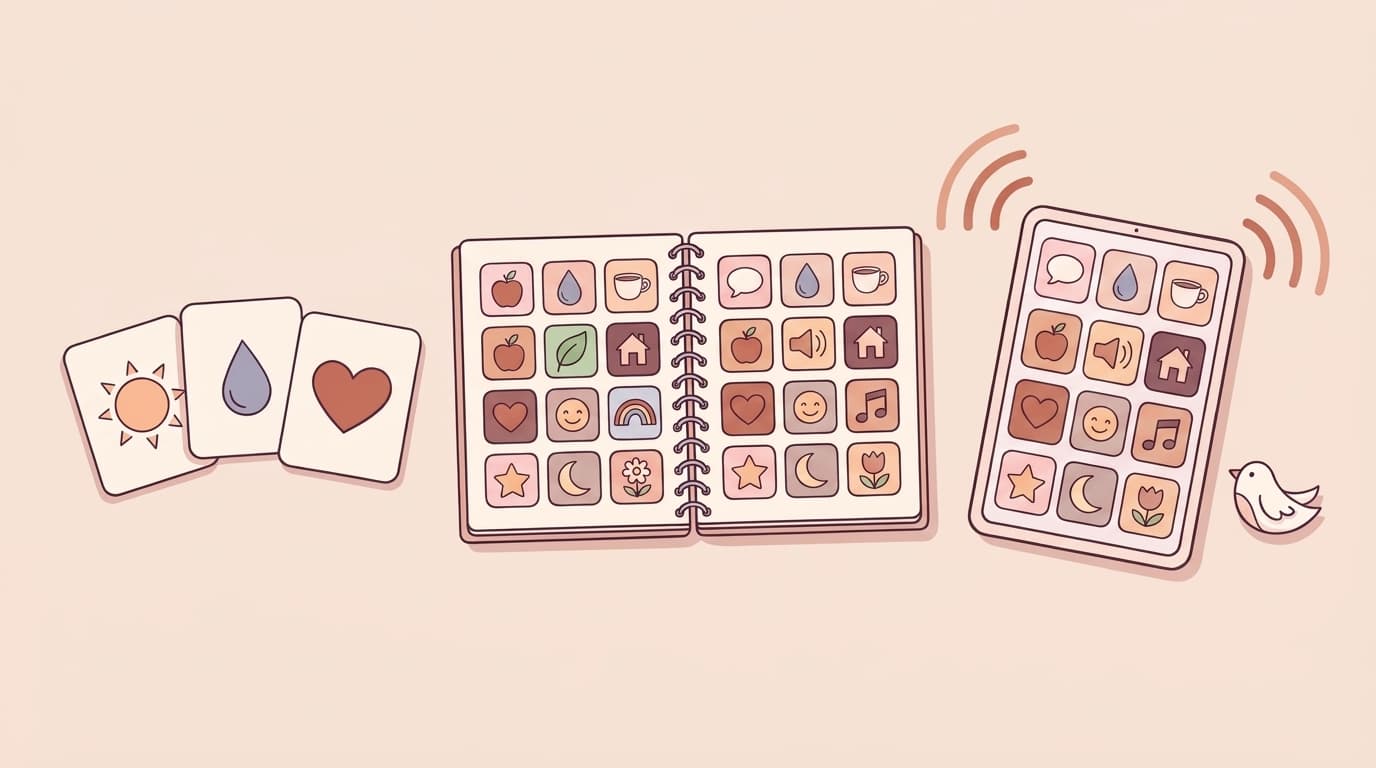
When a family or an adult first explores augmentative and alternative communication, the range of options can feel overwhelming: picture cards, communication books, dedicated speech devices, and tablet or phone apps. Each has passionate supporters, and advice online often contradicts itself.
Clinicians use a principle called feature matching: start with the person's real-world needs, abilities, and daily environments, then match tools to the person rather than forcing the person to fit a tool.
First, one outdated myth to leave behind
You may still hear that a beginner must "master" paper picture cards before being allowed a speech-generating app. Modern AAC guidelines reject this prerequisite model. Research and clinical consensus are clear: there are no prerequisites for high-tech AAC. A person does not have to earn a voice on a tablet by passing paper drills first. Low-tech cards are a valuable backup, not a gatekeeper.
Comparing the three main options
Picture cards
Individual printed or laminated cards with pictures or symbols, often held with velcro.
Strengths. Inexpensive, waterproof when laminated, no battery, and easy to place right where they are needed (near the bath, swimming pool, or kitchen).
Limits. Vocabulary does not scale well; nobody can carry hundreds of loose cards. There is no spoken voice, so the communication partner must already be looking at the person.
Communication books and printed boards
Organised collections of core words and category pages bound in a folder or printed as a single board.
Strengths. Holds far more vocabulary in one place, works anywhere without power, and makes an essential emergency backup when a battery runs out.
Limits. Flipping pages slows conversation down, partners sometimes lose patience, and there is still no spoken voice to call someone from across the room.
Speech-generating apps on a phone or tablet
An AAC app on a mobile device or tablet that speaks chosen words and full sentences aloud.
Strengths. A spoken voice changes everyday independence: the user can greet a neighbour, answer a doctor, or call someone from another room. Vocabulary can grow from a handful of phrases to over a thousand words without taking up extra physical space, and adding personal words or real photos takes seconds.
Limits. Devices need charging and protective cases. For children who associate a tablet with videos or games, turning on Guided Access (iOS) or App Pinning (Android) keeps the screen dedicated to communication.
Five clinical questions that guide the choice
Speech-language pathologists look at five practical areas when matching an AAC system:
1. Motor access and vision. How does the user select buttons comfortably and reliably? If fine pointing is difficult, look for adjustable tile sizes, zoom, and high-contrast layouts. For users who cannot touch a screen reliably, hands-free access such as head tracking (moving a pointer with gentle head movements) opens up independent communication.
2. Room to grow without starting over. Good AAC systems protect motor planning: core words stay in predictable places so the user builds muscle memory. Look for boards that offer graduated levels (from 1-or-2 card starter decks up to full 1,000+ word boards) and let you hide unused categories cleanly instead of forcing the user to learn a brand-new layout every time their vocabulary expands.
3. Age-respectful design and voice identity. An adult recovering from a stroke or living with ALS should not be handed childish cartoons or a mismatched voice. Look for both illustrated child boards and clean, high-contrast adult pictograms, plus voices that fit the person (male, female, boy, girl, emotions, or even personal voice cloning).
4. Portability and daily environments. Where will communication happen? Home, clinic, school, shops, outdoors. A system that stays plugged in on one shelf misses half of life.
5. Partner support. A system only thrives when the people around the user (parents, grandparents, teachers, carers, nurses) feel comfortable modelling and updating it.
Multimodal AAC: one system or several?
Families and adults rarely rely on only one method. In clinical practice, multimodal AAC is the gold standard.
A practical setup uses an AAC app as the primary voice with full vocabulary and natural speech, paired with a printed low-tech backup board for water, travel, or dead batteries, alongside natural gestures, facial expressions, and any spoken words the person uses.
Language, natural voice, and clinical grounding
Beyond technical features lies the most human test: does the voice sound natural to the people around the user, and does the system speak the language and grammar used at home?
That is what Aron was built for. Developed with founding Georgian clinical co-authors Phoenix and Helios and expanded with international clinical partners overseas, Aron supports English (6 regional accents), Georgian, Serbian (Latin and Cyrillic), Russian, and French, with Child and Adult modes, expressive voices, voice cloning, hands-free head tracking on Android, and fully customisable boards.
Test in real life before deciding
The most reliable way to evaluate any AAC app is a real-world trial. Use the free trial across an ordinary week (at breakfast, outdoors, and in conversation), not just for five minutes on the sofa.
Sources
- American Speech-Language-Hearing Association (ASHA). Augmentative and Alternative Communication (AAC) Practice Portal.
- Beukelman, D. R., & Light, J. C. (2020). Augmentative & Alternative Communication: Supporting Children and Adults with Complex Communication Needs (5th ed.). Paul H. Brookes Publishing.
- Brady, N. C., et al. / National Joint Committee for the Communication Needs of Persons with Severe Disabilities (2016). Communication services and supports for individuals with severe disabilities: Guidance for assessment and intervention. American Journal on Intellectual and Developmental Disabilities, 121(2), 121-138.
- Romski, M., & Sevcik, R. A. (2005). Augmentative communication and early intervention: Myths and realities. Infants & Young Children, 18(3), 174-185.